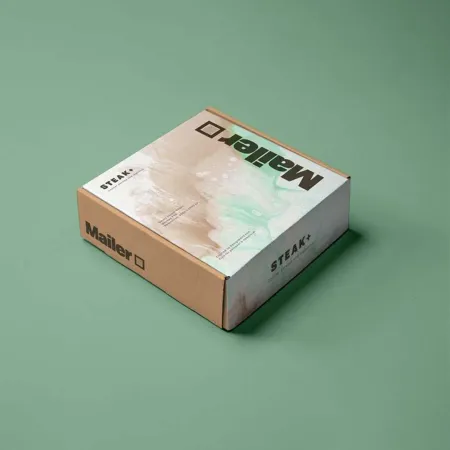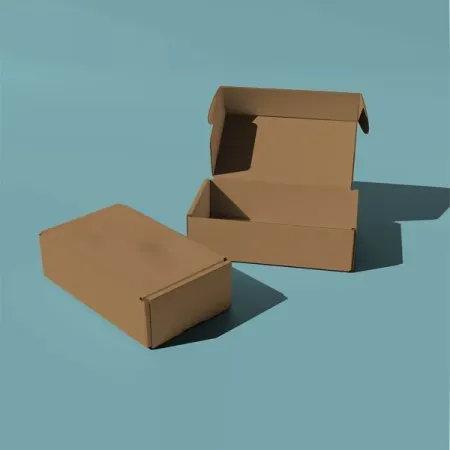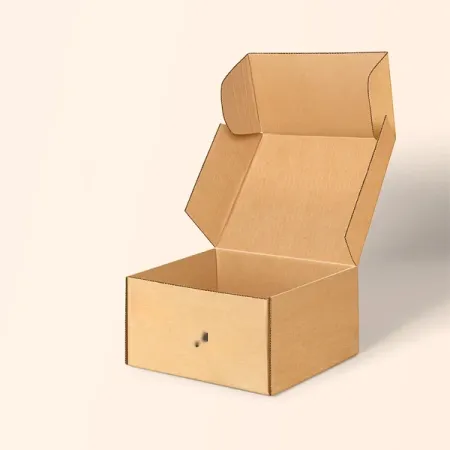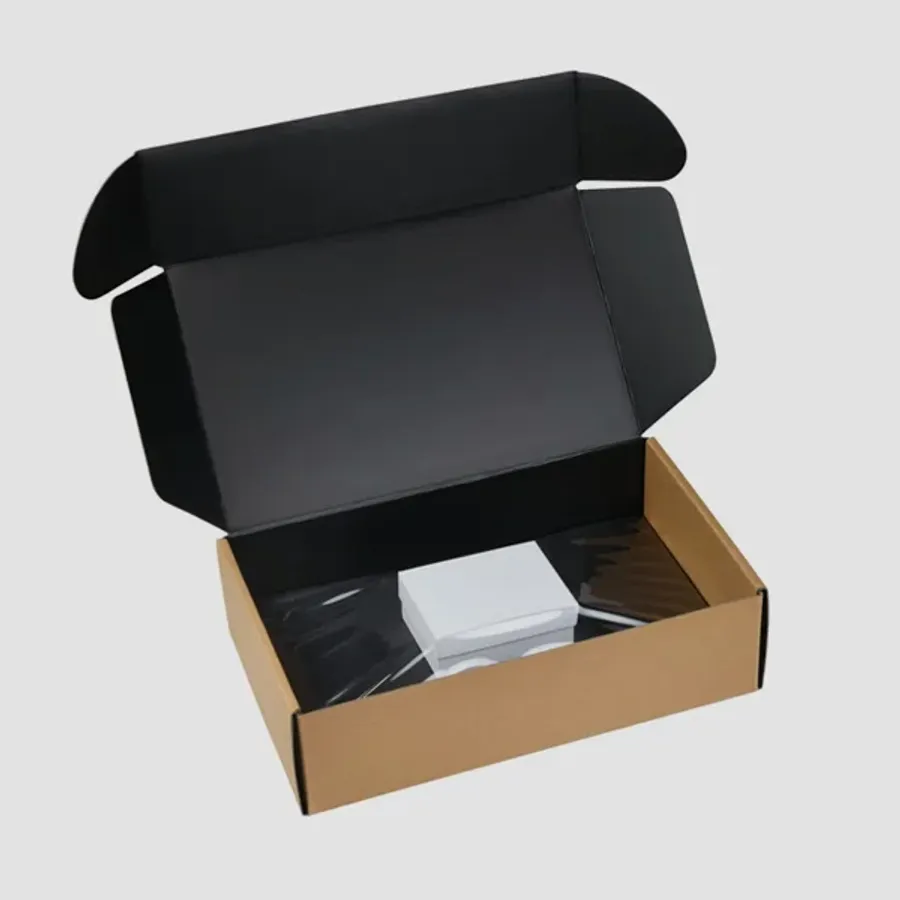
Tech brands that ship in a printed mailer
Phone accessory makers, audio brands and smart-home startups order these most. So do sellers of chargers, keyboards, game controllers and camera gear.
Many of them sell direct online, so the mailer is the retail box. There is no store shelf, and the customer judges the product partly by how it arrives.
Crowdfunded hardware teams are another group. Their first shipment goes to backers who have waited months, and a well-fitted box makes that wait feel worth it.
Repair shops and refurbishers use them too. A clean branded box tells the customer the returned device has been handled with care.
If your range covers other categories too, browse our mailer boxes grouped by industry for ideas that carry across product lines.
Laying out the insert around the device
The insert decides the whole unboxing. The device should be the first thing the customer sees when the lid lifts. Accessories sit below it or to one side.
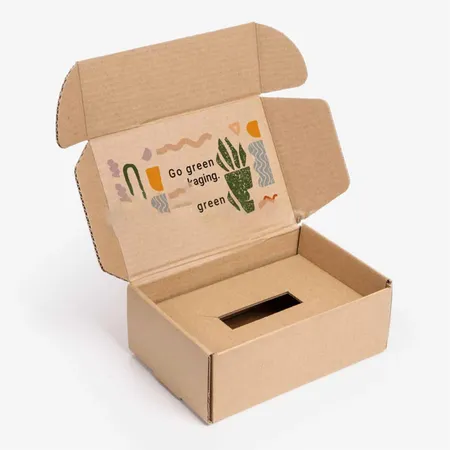
We cut a cavity to the exact outline of the device so it cannot shift. A small finger notch at one edge lets the customer lift it out without prying.
Cables and chargers go in a separate well or under a lift-out tray. Keeping them apart stops metal plugs from scratching screens and casings.
Our page on mailer boxes with fitted inserts shows single-cavity and tiered layouts side by side.
Avoid inserts that grip the device too tightly. A cavity that needs force to release leads to dropped devices and bent ports on the first day.
Matching board and insert to the product
Electronics vary widely in weight and shape. This table shows how we usually pair the outer board with the insert for common product types.
Bundles that pair a device with a case or stand often need a two-level insert. The heavier item goes low, and the lighter one rests in a tray above it.
| Product | Outer board | Insert |
|---|---|---|
| Earbuds and small audio | 18–24 pt SBS | Paperboard cavity |
| Phone cases and chargers | 18–24 pt SBS | Paperboard tray |
| Keyboards and controllers | E-flute corrugated | Corrugated cradle |
| Smart-home devices | E-flute corrugated | Paperboard tiered insert |
| Camera gear and lenses | E-flute corrugated | Corrugated cavity with lid tray |
What to send us before we draw the insert
Insert design depends on accurate measurements. Missing details are the most common reason for a second proof round. Gather these first:
- Exact device dimensions, including buttons and ports that stick out
- Cable length when coiled and tied
- Charger or adapter size
- Manual or quick-start card size and thickness
- Any spare tips, straps or screws that ship with it
- A sample unit if you can spare one
Planning the unboxing sequence
Think about the order in which the customer meets each part. A clear sequence reduces confusion and setup calls to your support team. Follow these steps when planning the layout.
Test the sequence with someone who has never seen the product. Watch where they hesitate, then move that item or add a printed pointer.
- Decide what the customer should see the moment the lid opens.
- Place the device in the top layer, centered and facing up.
- Put the quick-start card where it is seen before the cable.
- Store cables and chargers in a lower well or side slot.
- Add a pull tab or notch for each lift-out piece.
- Print setup hints inside the lid near the device.
- Check the layout on the proof with your own sample.
Printing setup steps inside the lid
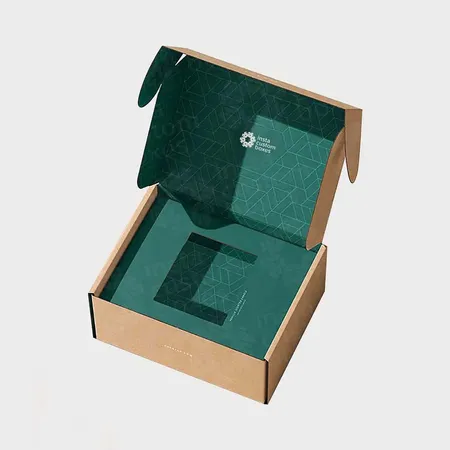
The inside lid sits right above the device. It is a natural spot for a short setup guide, a QR code to an app or a support link.
Keep it to three or four short steps. Long manuals belong on a card or online, while the lid handles the first minute of use.
Inside print also lets you keep the outside calmer. A dark exterior with a single logo, then a printed interior, is a popular combination for tech brands.
Match the lid wording to your app or website exactly. If the screen says Pair and the lid says Connect, customers stall and email support.
Leave room for a serial number sticker if you track units. A small blank box printed under the lid gives it a neat, planned spot.
Finishes that suit tech packaging
Matte and soft-touch lamination give the low-glare look most electronics brands want. They also echo the finish on many devices.
Spot UV adds a gloss logo against a matte background. Foil stamping works for premium audio or accessory lines that want a metallic accent.
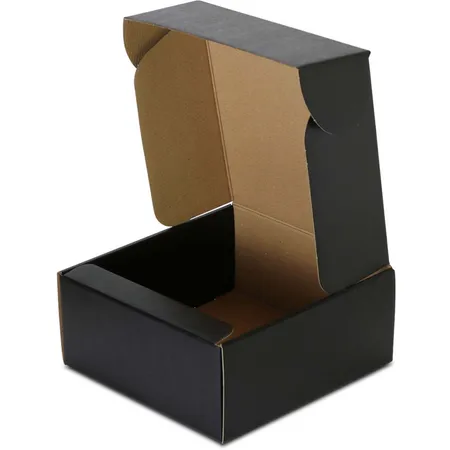
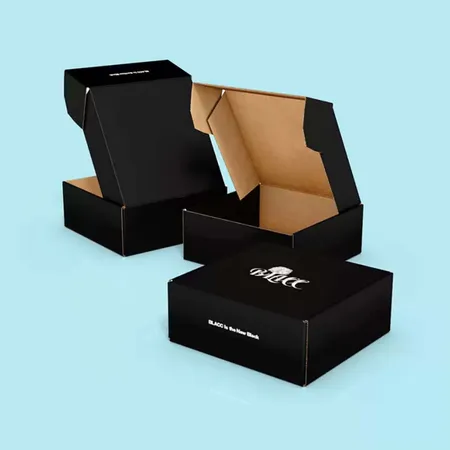
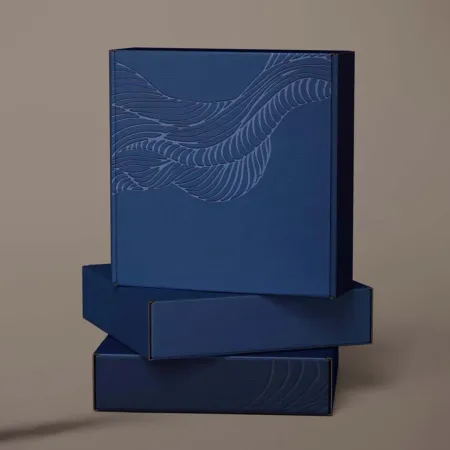
A deep black exterior is common in this category. If you want that look, see our black mailer boxes with rich print for how we build an even black.
Ask for a printed swatch of your chosen finish next to your device. Seeing the two together is the quickest way to judge whether they match.
Corrugated or paperboard for devices
Light accessories travel well in SBS paperboard, often inside a plain outer carton. The paperboard gives the sharpest print and crisp edges.
Heavier or fragile devices need E-flute corrugated. The flute adds cushioning, and the box can usually ship on its own with a label.
Read our comparison of corrugated versus paperboard mailers if you are torn between the two.
Weight is the deciding factor more often than size. A small but dense power bank can need corrugated, while a large but light headset sits fine in paperboard.
Batteries, labels and carrier rules
Devices with lithium batteries are subject to carrier rules on marking and packing. Those rules come from the carrier, not from us. Check them before you finalize artwork.
If a carrier needs a battery mark on the outside, leave a clear panel for it. We can keep that area free of print so the label sits flat.
Regulatory text such as model numbers or compliance marks can be printed on a bottom or side panel. Send us the exact wording and we place it on the proof.
Keep in mind that rules can differ between countries. If you ship to the UK, Canada or Australia as well as the US, confirm each route before printing.
Getting device boxes ready for a launch
Launch dates leave little slack. Build in time for one or two proof rounds, especially if the insert is new.
Once the proof is approved, production takes 4–6 business days. The cartons then ship to you in 2–3 business days, free to the US, UK, Canada and Australia.
Electronic mailers start from $0.30 per unit, with the final price tied to size, board, inserts and finish. Use our box design page to start your layout or send files directly.
Order a small first run for unboxing photos and early testers. Feedback from those boxes can shape the main print run.
Keep the dieline file once the insert is approved. A revised device of the same size can then reuse it with only artwork changes.
Talking through a complex insert
Some kits have many parts, from tips and straps to tools and adapters. These are easier to solve in a conversation than over a form.
Call or WhatsApp (503) 461-4788, or email info@shopmailerboxes.com with photos. You can also reach us through our contact page for packaging questions.
If boxes arrive misprinted or damaged, tell us within 10 days and we reprint or refund.
Photos of the parts laid out on a table are often enough for a first sketch. We then turn that sketch into a dieline on your proof.